10 Home Office Ideas to Boost Productivity and Comfort
Many people now work from home, making a functional and comfortable office space important. A well-designed home office can improve focus and productivity while fitting into the style of the home.
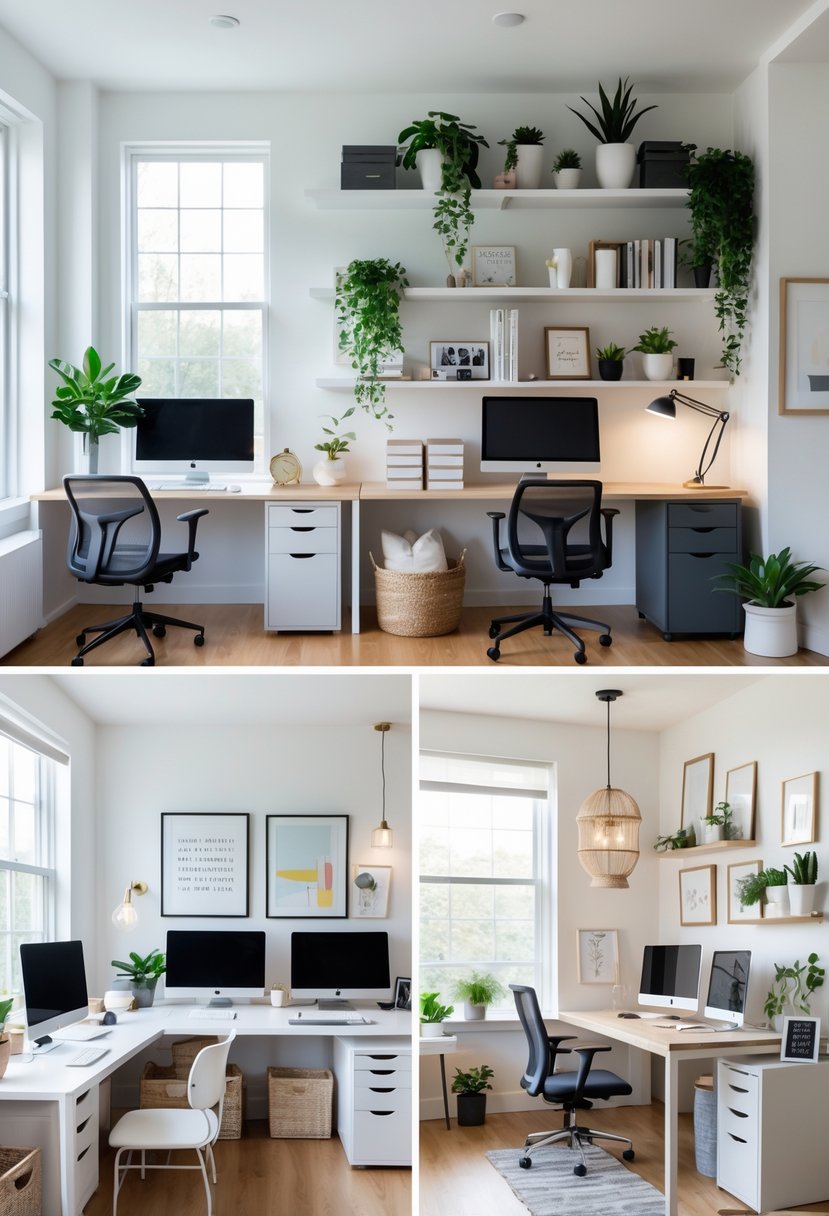
This article offers 10 practical home office ideas that help create a workspace suited to different needs and spaces. Each idea aims to balance style, comfort, and usefulness for better work-from-home experiences.
Home Office Ideas
1. Maximize natural light with a south-facing desk placement
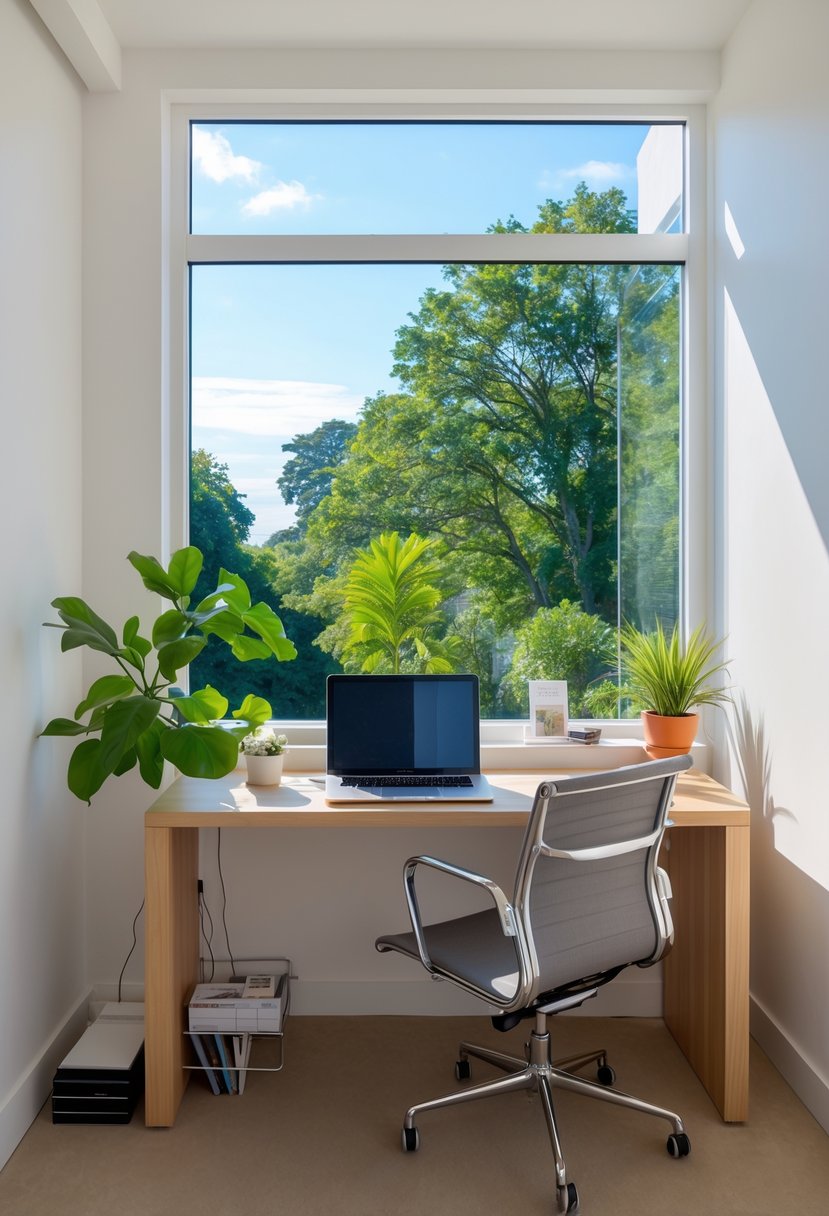
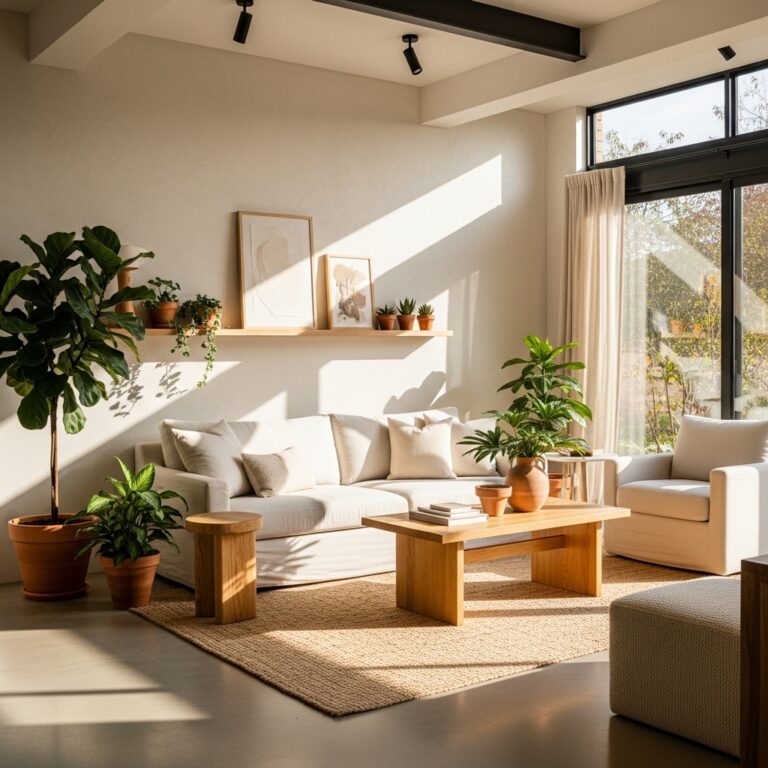
Placing the desk near a south-facing window lets the user get steady, natural light throughout the day. This reduces the need for artificial lighting. It also helps prevent eye strain by providing balanced, indirect sunlight.
Using sheer curtains can control brightness while keeping privacy. This setup supports comfort and focus.
2. Incorporate adjustable ergonomic chairs like Herman Miller Aeron
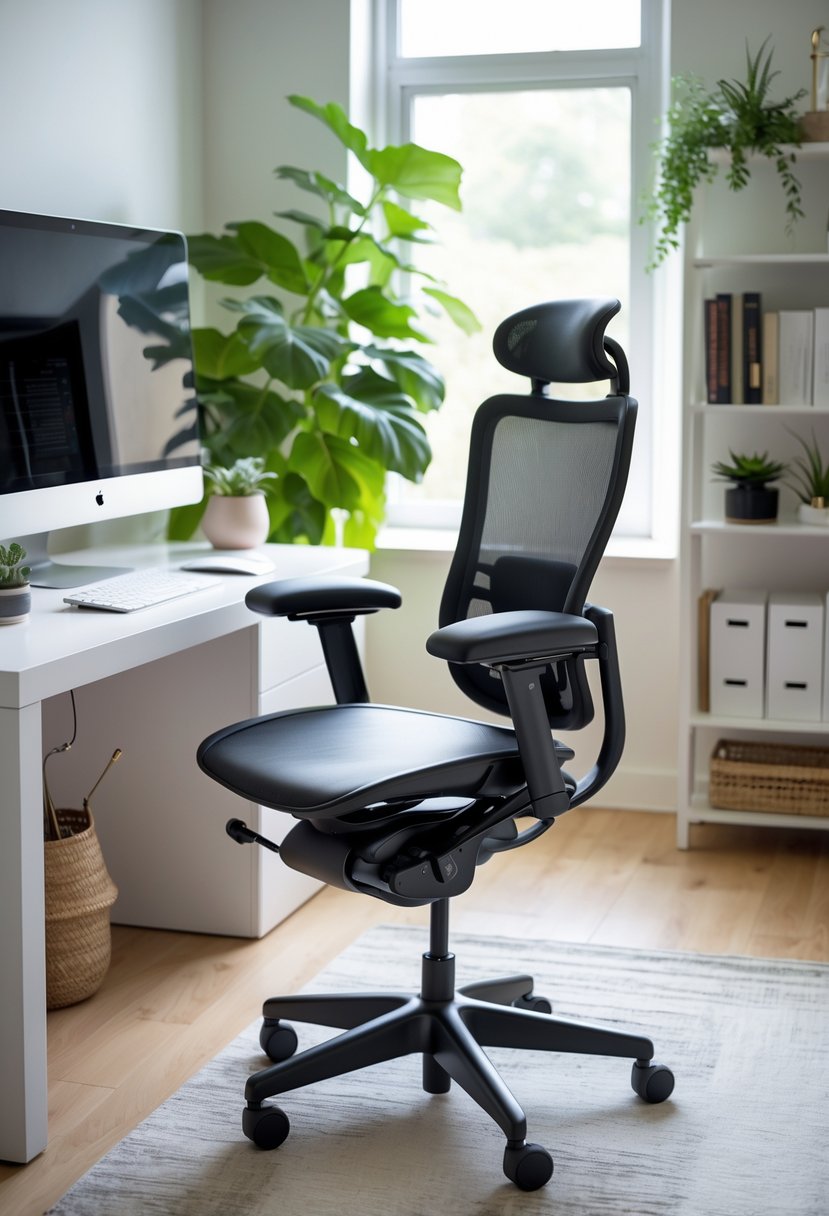
He or she should choose an ergonomic chair that offers good support. The Herman Miller Aeron is known for its adjustability and comfort. It helps reduce strain during long work hours by fitting various body types.
3. Use vertical shelving to optimize storage in small spaces
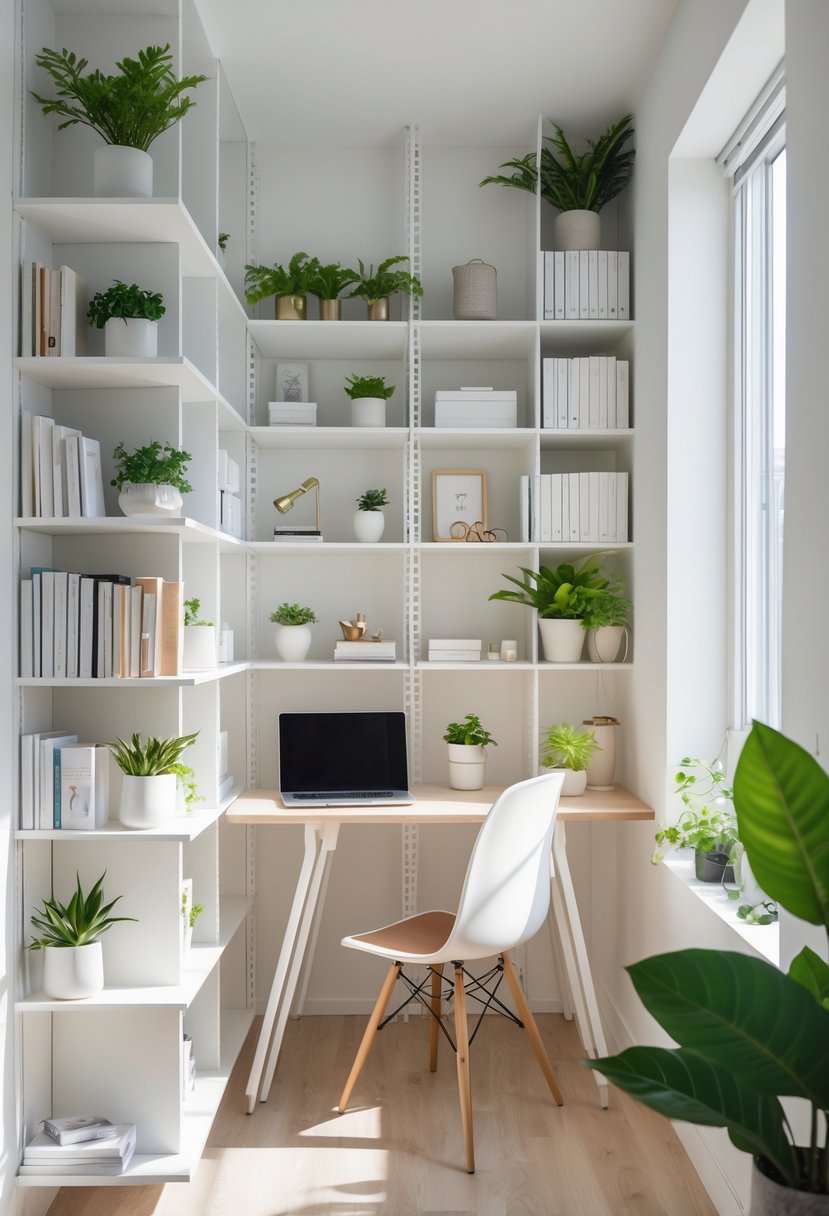
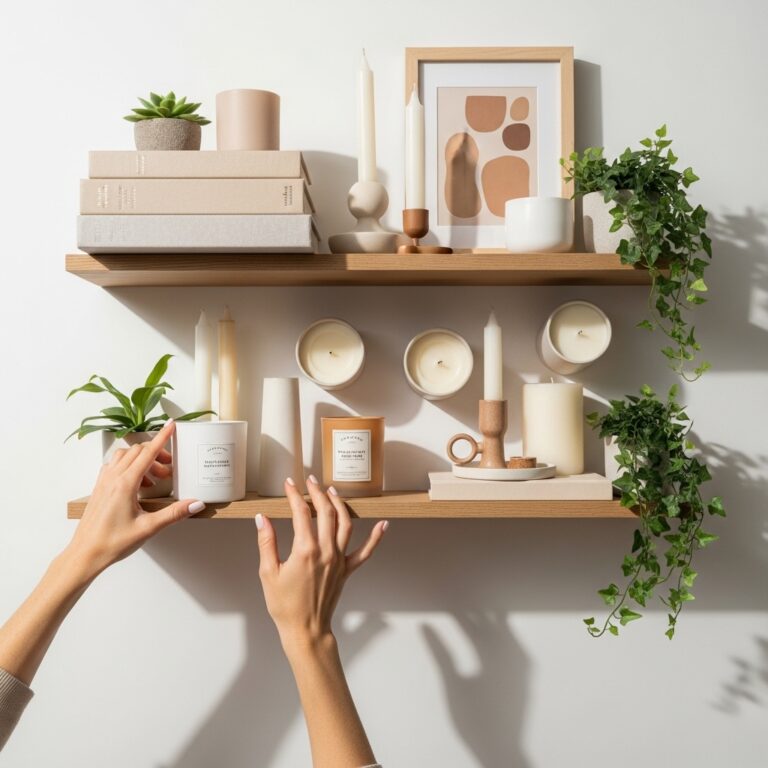
Vertical shelving helps save floor space while adding storage in tight areas. It allows for organizing office supplies, books, and decor without cluttering the desk.
He or she can choose wall-mounted shelves or tall bookcases to keep items accessible and the room tidy.
4. Add a standing desk converter for flexible work postures
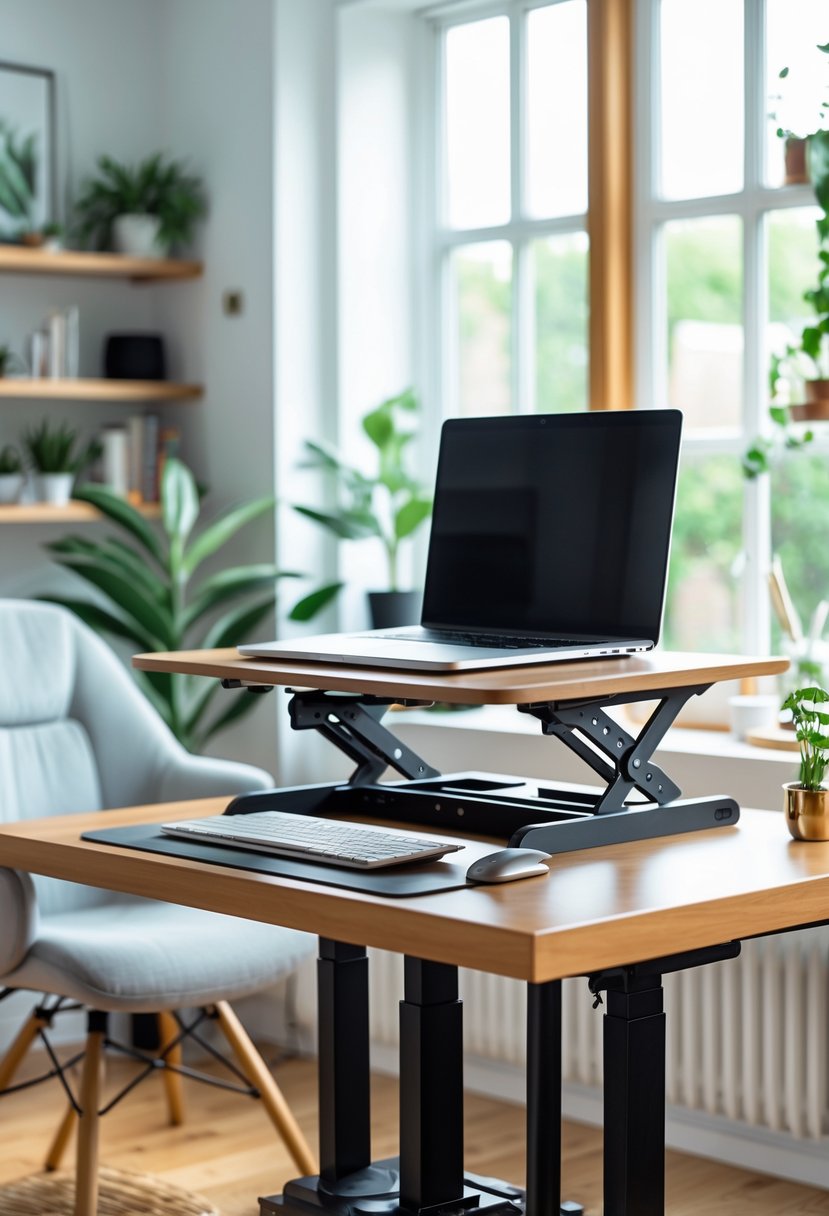
A standing desk converter lets users switch easily between sitting and standing. This helps reduce strain from sitting too long. It fits on any regular desk, making it a practical choice for home offices. Many models offer adjustable heights to support comfort and better posture.
5. Choose noise-cancelling headphones to minimize distractions
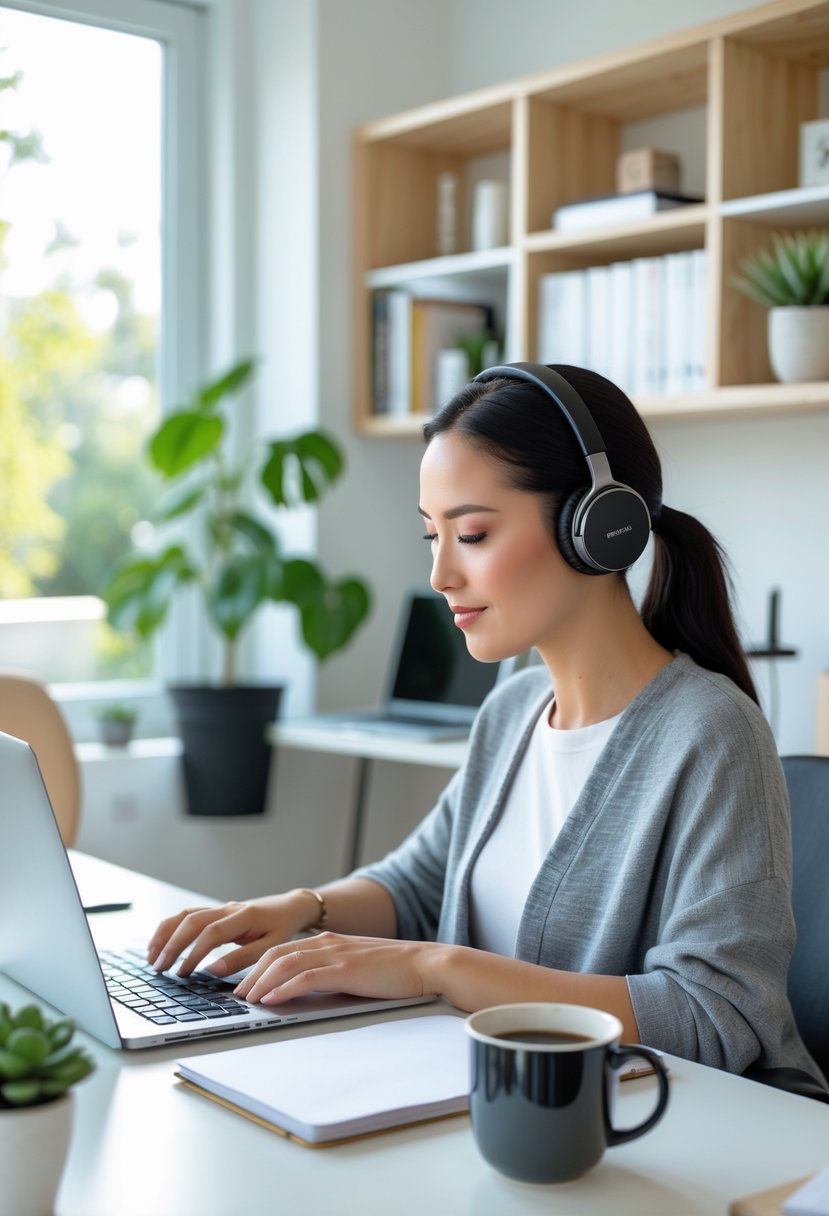
Noise-cancelling headphones help block out background sounds. They use technology to reduce outside noise, allowing for better focus.
They are useful in busy home offices. Choosing a pair with good battery life and comfort improves long work sessions.
6. Incorporate cable management systems to keep wires tidy
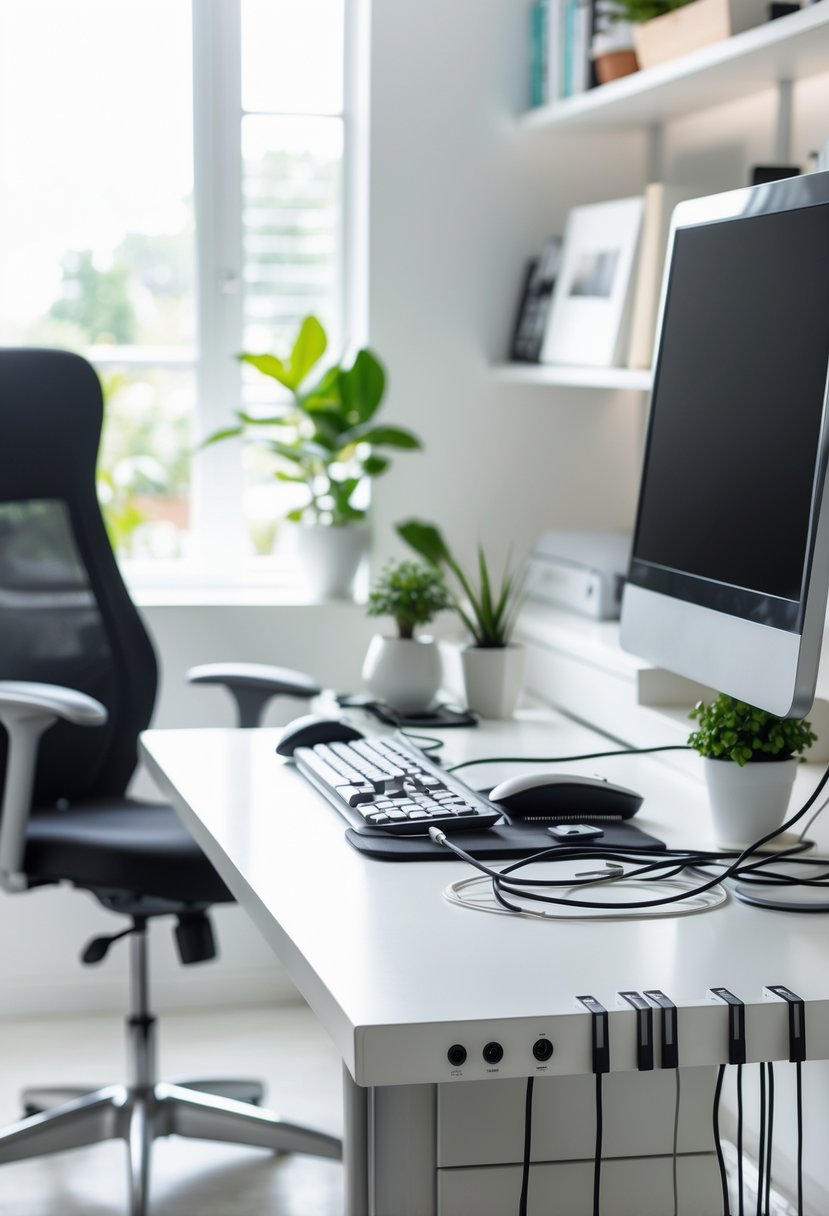
They use cable trays, clips, and sleeves to organize wires neatly. Labeling cables helps identify devices quickly. Cable management boxes hide excess cords, reducing clutter and making the workspace safer and more efficient.
Home Office Ideas
7. Use multi-functional furniture, such as desks with built-in drawers
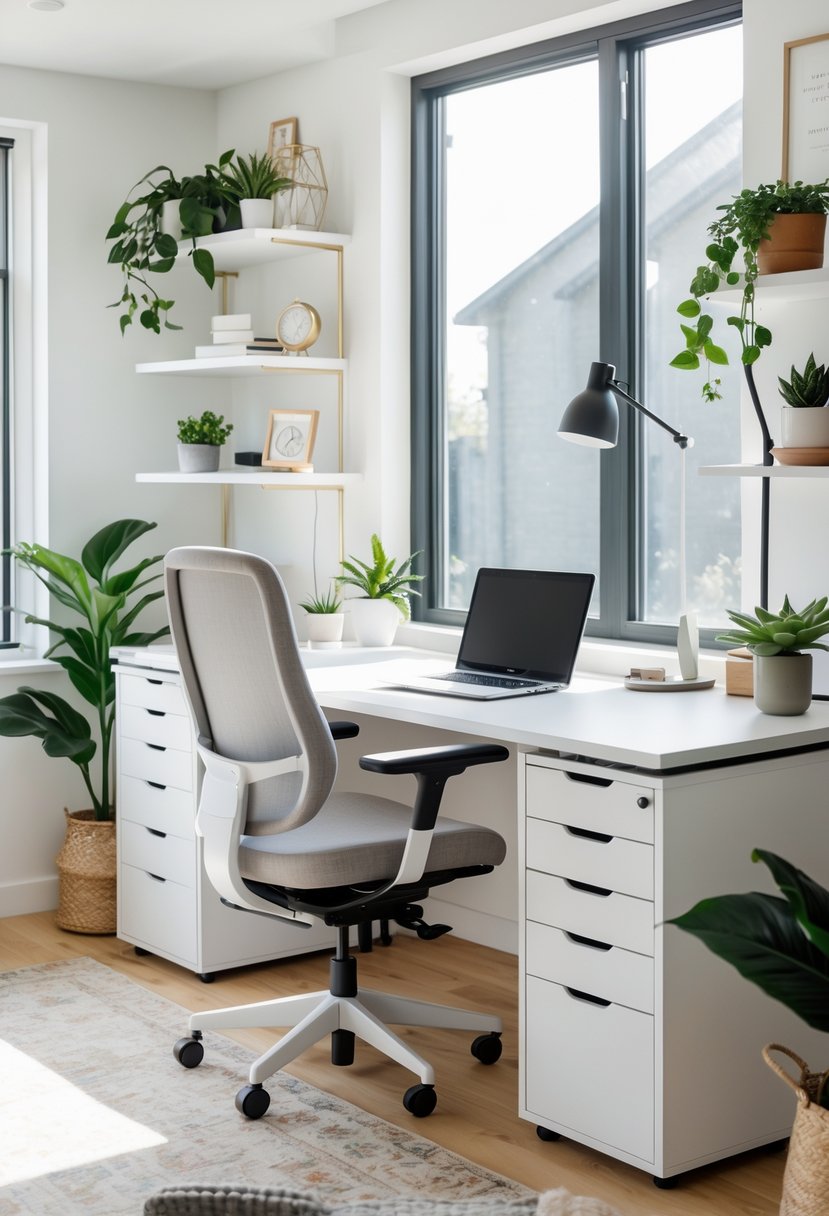
Multi-functional furniture helps save space by combining storage and work areas. Desks with built-in drawers keep supplies organized and within reach.
This type of furniture suits small rooms or shared spaces. It boosts efficiency without adding clutter.
8. Add indoor plants for improved air quality and mood
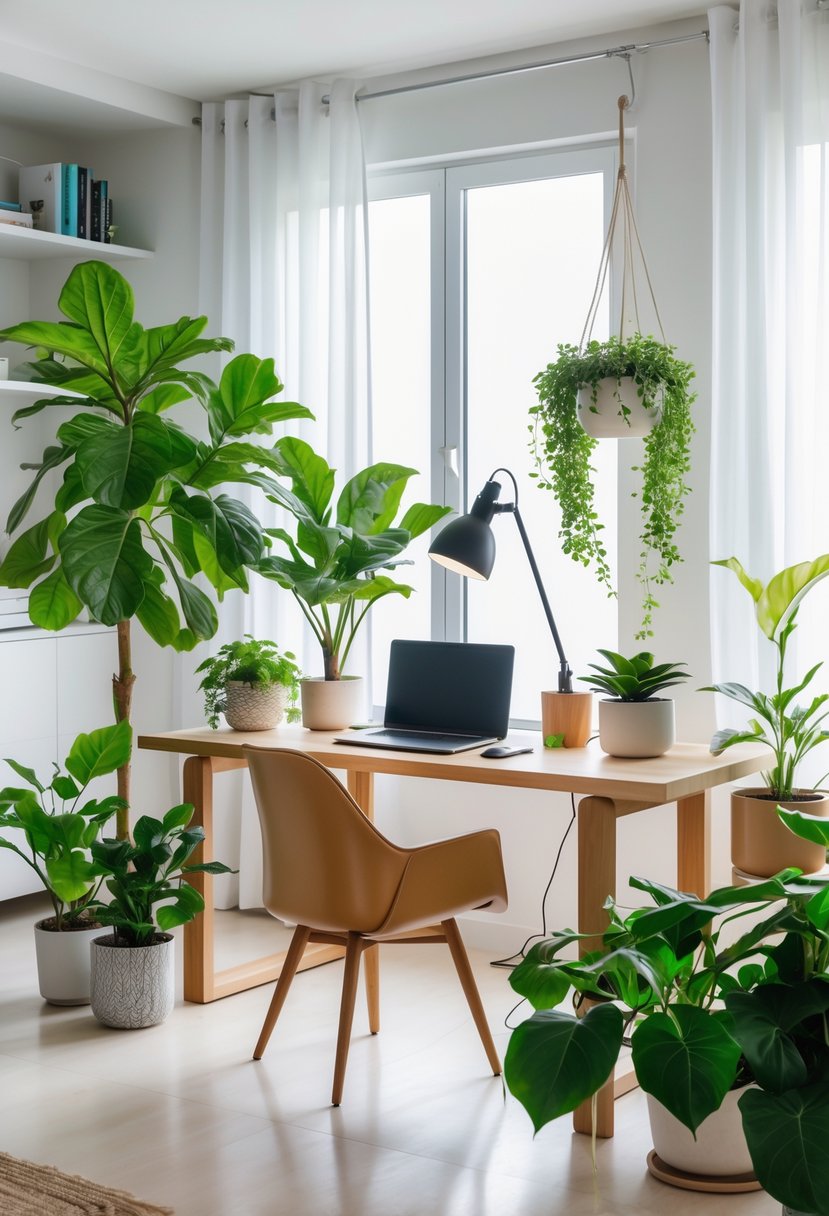
Indoor plants can help clean the air by removing some toxins. They bring more oxygen and freshen the space naturally.
Plants also create a calm and positive atmosphere. This can help improve focus and reduce stress while working.
9. Install dimmable LED lighting for customizable brightness
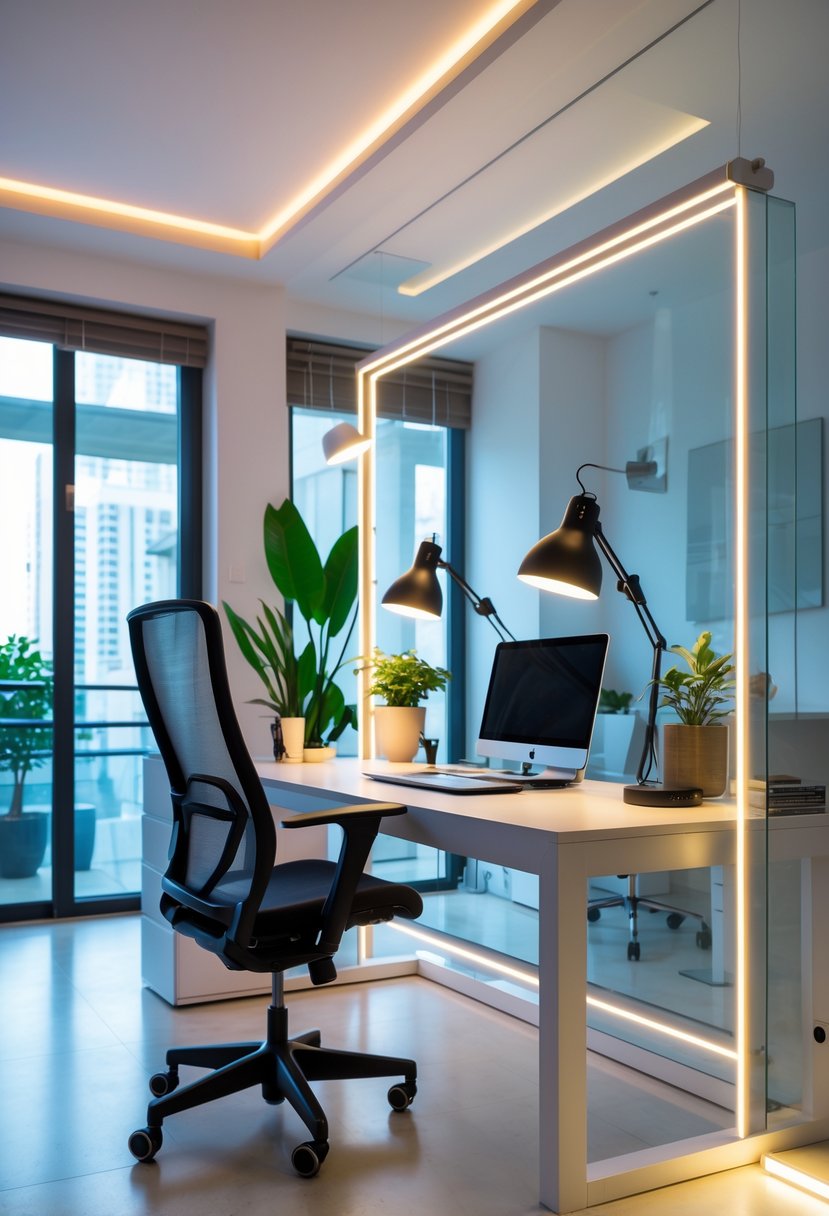
Dimmable LED lighting lets users adjust brightness easily. It helps create the right light for tasks or relaxation. Installing dimmable lights also saves energy by using only the needed brightness. This makes the home office more comfortable and efficient.
Home Office Ideas
10. Create a color palette with calming tones like blues and greens
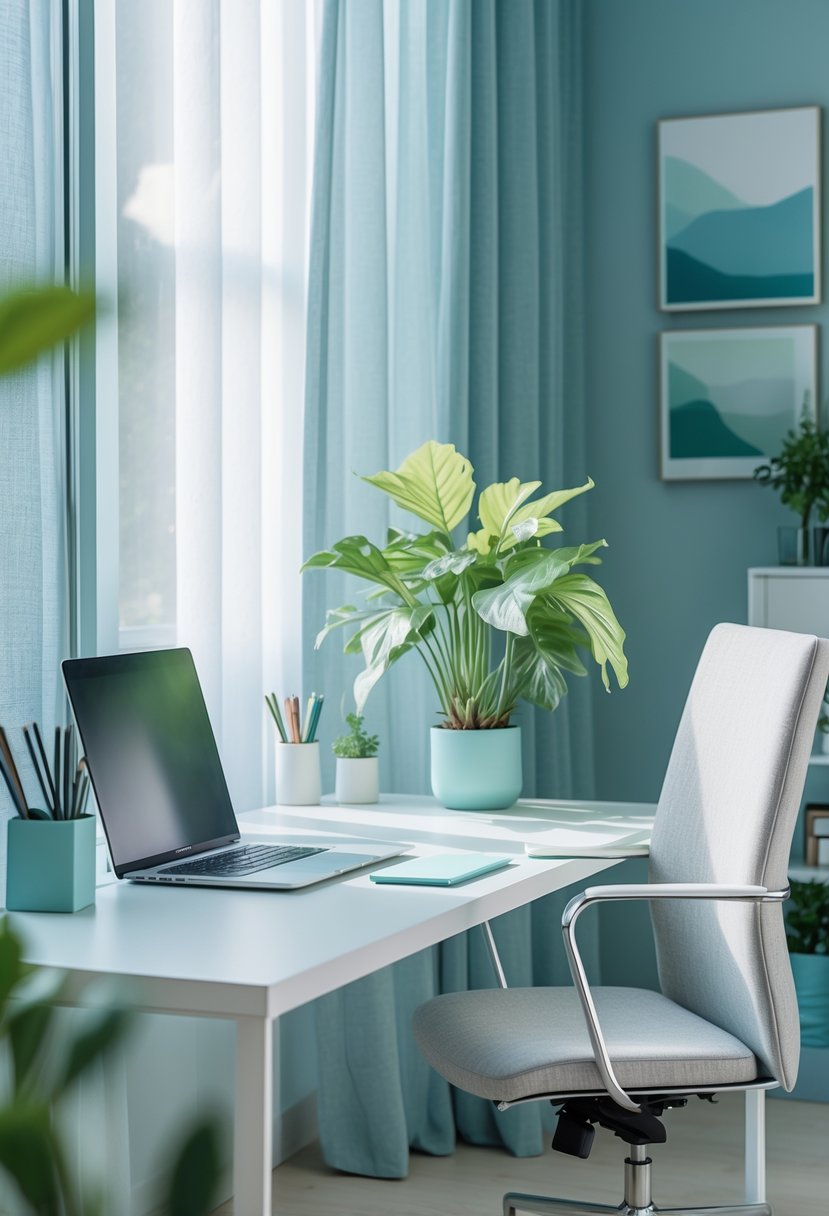
They can use blues and greens to make the home office feel calm and peaceful. These colors are often linked to nature and create a relaxed atmosphere.
Adding soft blues or gentle greens helps reduce stress and improve focus during work. These tones are also professional and suit most office styles.
Home Office Ergonomics
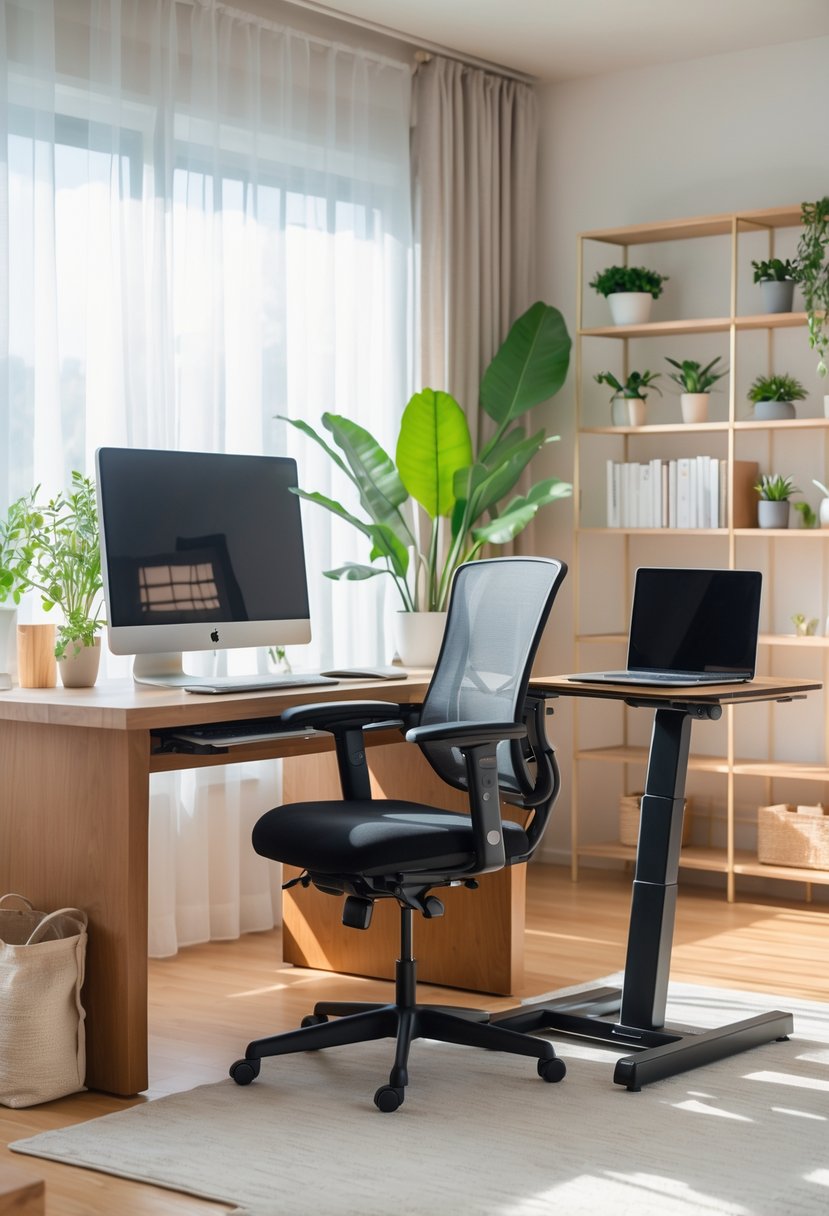
Creating a home office that supports comfort and health involves careful choices about furniture and lighting. Paying attention to seating, desk setup, and light sources helps reduce strain and boosts productivity. These details make a big difference during long work hours.
Choosing the Right Chair
A well-designed chair is key to preventing back and neck pain. The chair should have adjustable height and lumbar support to fit the natural curve of the spine. A seat depth that allows the user to sit with their back against the backrest and feet flat on the floor is important.
Look for chairs with armrests that support the arms without raising the shoulders. The material should be breathable and cushioned enough for long sitting periods. A swivel base and wheels allow easy movement without twisting the body, which reduces strain.
Desk Height and Placement
The desk height should allow the user to keep their forearms parallel to the floor when typing or using a mouse. Ideally, the surface should be between 28 and 30 inches high for most adults. Adjustable desks or sit-stand options provide more flexibility.
Position the desk so that the computer screen is at eye level, about 20 inches away. This prevents neck strain. The monitor should be directly in front to avoid twisting the neck. Clear space under the desk helps maintain good posture by allowing the legs to move freely.
Proper Lighting for Productivity
Good lighting reduces eye strain and keeps energy up throughout the day. Natural light is best, so placing the desk near a window is ideal. If natural light is limited, use bright, cool white LED lights that mimic daylight.
Avoid glare on screens by positioning lights to the side or above the desk, not directly behind it. Task lighting, like a desk lamp with adjustable brightness and direction, can help focus on paperwork or detailed work. Using multiple light sources prevents shadows and harsh contrasts.
Enhancing Productivity in Your Workspace
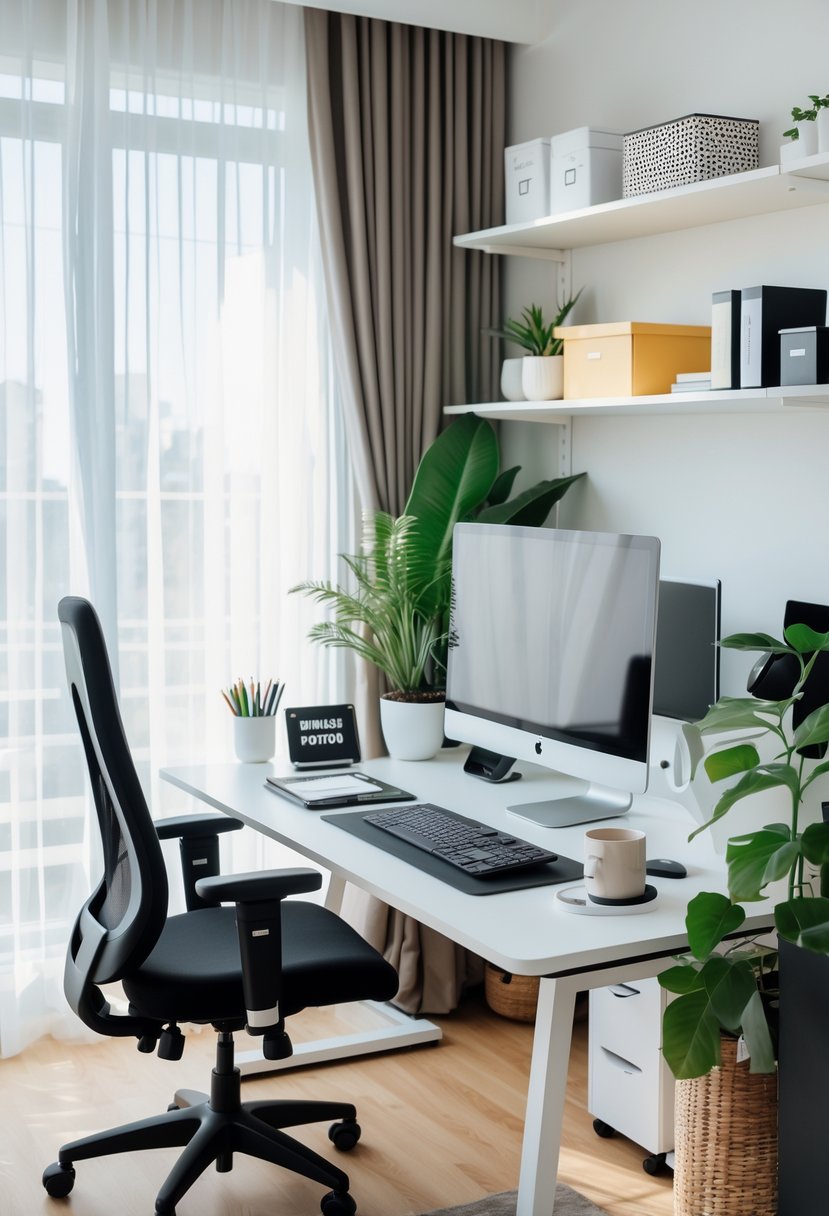
Creating a workspace that supports focus and efficiency involves clear organization, reducing interruptions, and making the area comfortable. Small changes can have a big impact on how well someone works throughout the day.
Personalization Strategies
Personalizing a home office helps make the space inviting and motivating. Adding items like family photos or favorite artwork can create a positive atmosphere. It’s important to balance decoration with functionality—too many items can become distracting.
Using a color scheme that promotes calm or energy, depending on the work type, can help maintain focus. For example, blues may boost calmness while yellows can inspire creativity. Adjusting lighting to personal preference also plays a key role in comfort.
Organizing the desk with tools and supplies within easy reach supports smoother workflow. Customizing storage, such as using labeled bins or drawer organizers, helps keep clutter down and necessary items ready.
Minimizing Distractions
Reducing distractions is essential for maintaining concentration. Keeping the workspace quiet or using noise-canceling headphones can block out household noise. Setting clear boundaries with others in the home helps prevent interruptions during work hours.
Limiting digital distractions by turning off non-essential notifications or using apps that block distracting sites can improve focus. A clean desk reduces visual clutter, which supports a clearer mind.
Positioning the desk away from windows with busy views or doorways can minimize visual and movement distractions. Using screens or room dividers is another way to create a focused area in a shared space.
Incorporating Greenery
Adding plants to a home office can improve both mood and air quality. Small potted plants or succulents require little care but add natural elements that soften the room.
Plants like spider plants or pothos are known for their air-purifying qualities. They can reduce indoor pollutants and increase oxygen levels, creating a healthier environment.
Strategically placing greenery near the workspace, such as on a desk or nearby shelf, offers visual breaks. This helps reduce eye strain from screens by giving the eyes a chance to rest on different shapes and colors.
Frequently Asked Questions
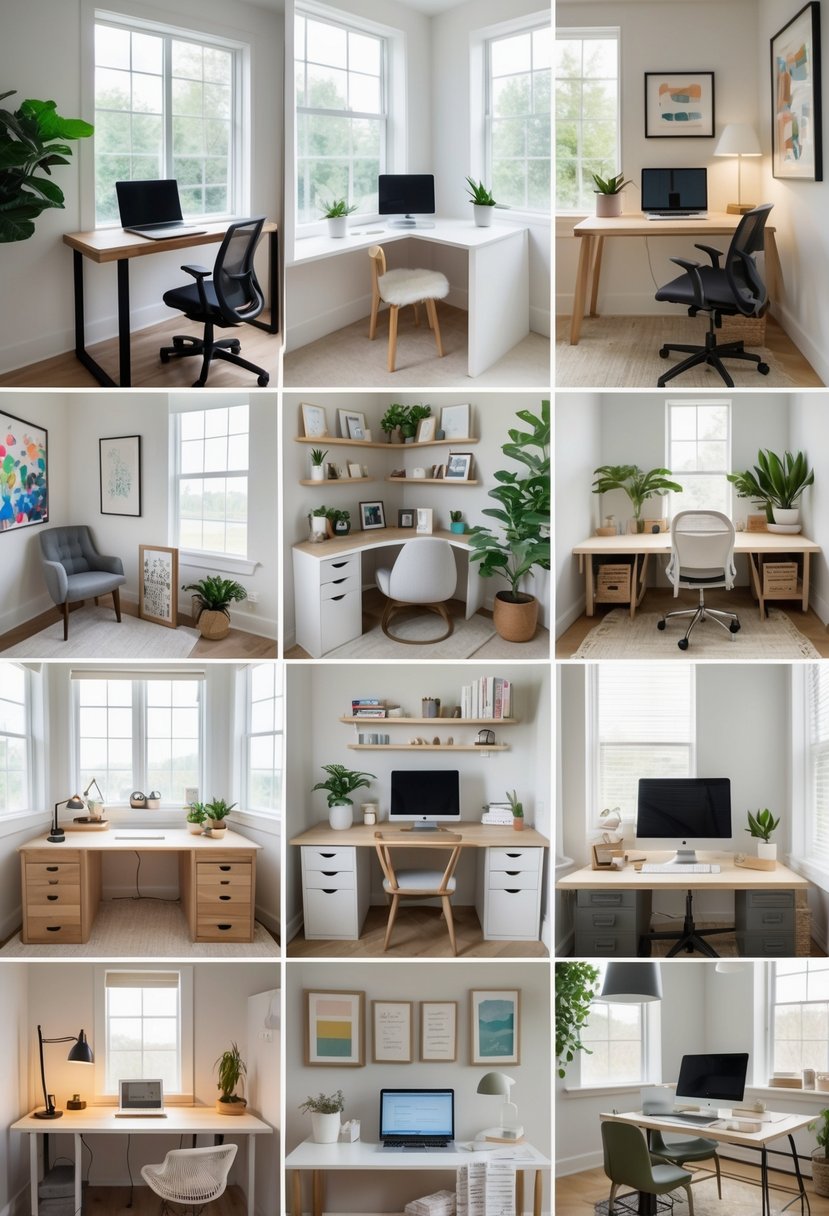
Creating an efficient home office involves smart use of space, good lighting, and comfortable furniture. Managing cables, choosing the right colors, and maintaining an inspiring atmosphere also play key roles in staying focused and productive.
What are some space-saving desk solutions for small home offices?
Vertical shelving helps free up floor space by using wall area for storage. Standing desk converters allow users to switch between sitting and standing without needing a large separate workstation. Compact desks with built-in storage are also effective for small rooms.
How can I create a productive and inspiring work environment at home?
Placing the desk near a south-facing window maximizes natural light. Adding plants or personal photos can boost mood and motivation. Noise-cancelling headphones reduce distractions in noisy environments.
What are effective ways to manage cable clutter in a home office?
Using cable trays or clips keeps cords organized and off the floor. Velcro straps bundle cables together neatly. Labeling cables helps identify them quickly and avoid confusion.
What lighting should be considered for a home office setup?
Layered lighting is essential—combine natural light, overhead lights, and task lamps to reduce eye strain. A desk lamp with adjustable brightness allows focused illumination without glare.
How can one incorporate ergonomic furniture into a home office design?
Adjustable chairs, like the Herman Miller Aeron, support posture and reduce strain. Standing desk converters promote movement. Footrests and monitor stands can help maintain neutral body positions.
What color schemes are best for maintaining focus in a home office?
Neutral colors such as soft grays, whites, and beiges create a calm, distraction-free environment. Accents in cool tones like blue or green support concentration and relaxation. Bright colors should be used sparingly to avoid overstimulation.